X555 Transactions – Deposit and Withdrawal Guide
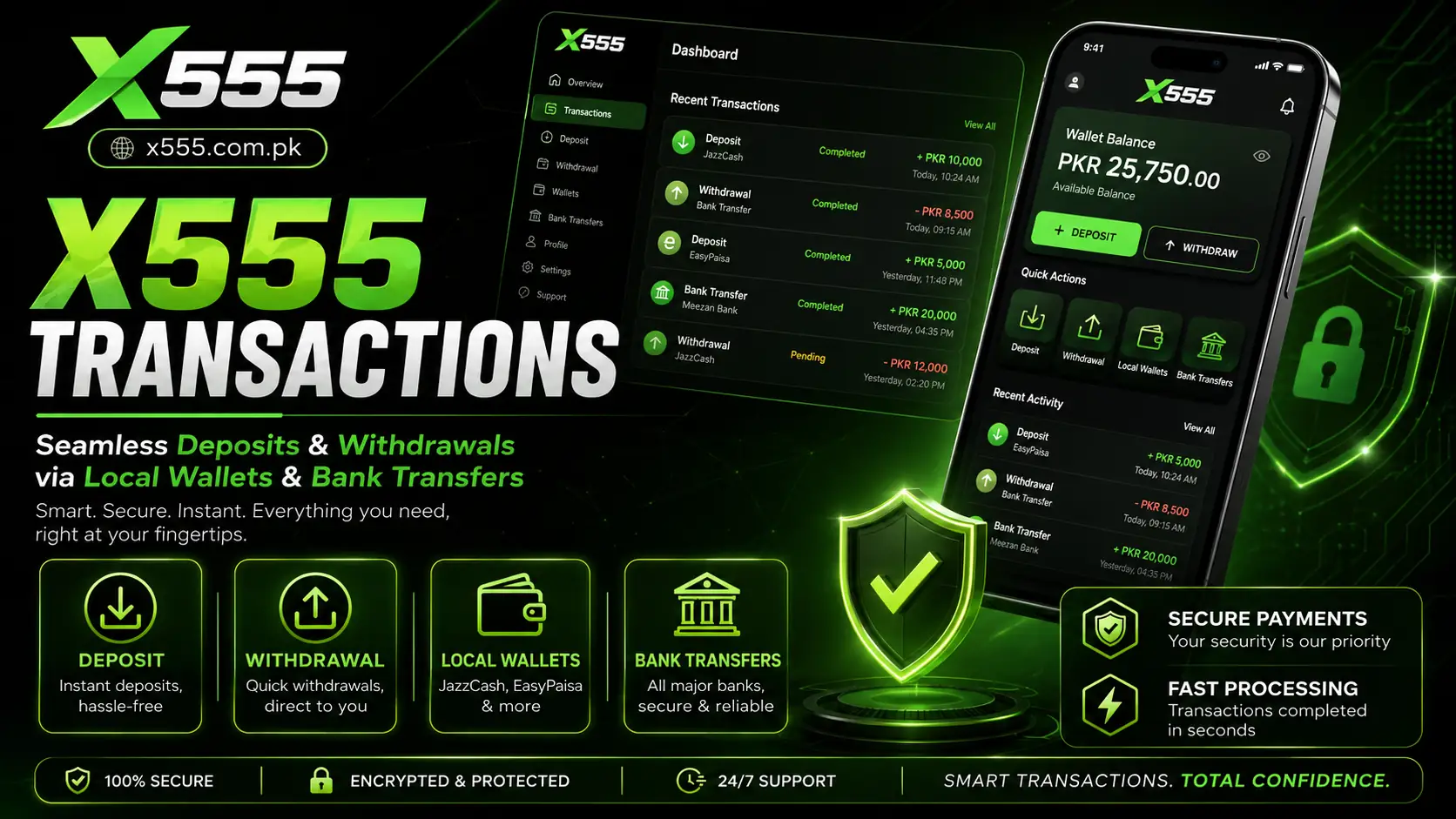
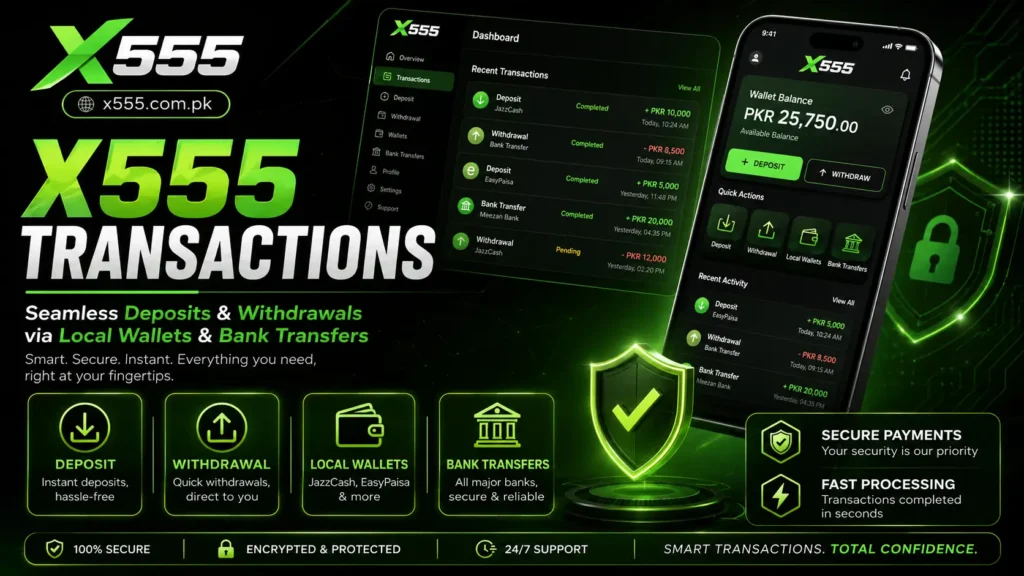
X555 Transactions help users manage deposits and withdrawals through the payment options available in their account. Before making any request, check that your profile details are correct and use a payment method that belongs to you. Available methods, limits, and processing times can vary, so it is always best to review the current instructions inside the official platform.
A smooth transaction usually depends on entering the correct account details, choosing the right payment method, and keeping a stable internet connection. Do not send money to personal accounts shared through unofficial messages. Use only the payment details shown in the official deposit or withdrawal section.
How to Add Funds to Your Account
To make a deposit, open the account dashboard and select the Deposit option. Choose a supported payment method, enter the amount, and follow the on-screen instructions carefully. Confirm your payment only after checking the wallet number, bank details, and amount.
- Log in to your X555 account.
- Open the Deposit section.
- Select a preferred payment method.
- Enter the amount you want to add.
- Copy or confirm the displayed payment details.
- Complete the payment through your wallet or bank app.
- Submit the transaction reference if requested.
- Check your account balance after confirmation.
Avoid making repeated deposits if the first request is still processing. Keep your payment receipt or transaction ID for your own record in case you need support later.
Requesting a Withdrawal in X555
A withdrawal lets you request funds from your available account balance through a supported method. Before submitting a request, make sure your wallet or bank account details are entered correctly. A small typing mistake can delay the process or send the request to the wrong destination.
- Open the Withdraw section from your account.
- Select your preferred withdrawal method.
- Enter your wallet number or bank account details.
- Add the amount you want to withdraw.
- Review all information before submitting.
- Complete OTP or security verification if required.
- Wait for the request status to update.
Processing time can depend on the payment method, account verification, banking hours, and platform checks. Do not create multiple withdrawal requests for the same amount while one is already pending.
Local Wallet Options
Local digital wallets can be convenient for users who prefer mobile-based payments. Where available, options such as JazzCash and Easypaisa may allow users to complete deposits or receive withdrawals using their registered mobile wallet details.
Before using a local wallet, confirm that the mobile number belongs to you and is active. Always enter the correct wallet number, especially when submitting a withdrawal request. If your wallet has a daily limit or security restriction, check it before starting a transaction.
Useful Checks for Wallet Payments
- Use a wallet X555 Game account registered in your own name.
- Check your mobile balance and wallet limits first.
- Confirm the recipient number before sending funds.
- Keep the transaction ID after payment.
- Do not share wallet OTPs with anyone.
- Use the official app or website payment instructions only.
Bank Transfer Requests
Bank transfers can be useful for users who prefer to manage payments through a bank account. Depending on the available options, users may need to provide an account title, bank name, account number, or IBAN when requesting a withdrawal.
Bank transactions may take longer than local wallet transfers because they can depend on bank processing schedules and verification checks. Carefully review the details before submitting any request. Incorrect account information can lead to delays or failed transfers.
| Payment Method | Best For | Important Check |
|---|---|---|
| JazzCash | Mobile wallet payments | Confirm the registered number |
| Easypaisa | Quick wallet transfers | Check wallet status and limits |
| Bank Transfer | Larger or bank-based payments | Verify account title and account number |
| Other listed methods | Platform-specific options | Read current payment instructions |
Keep Your Transaction Details Safe
Payment information needs extra care. Never share your password, OTP, PIN, wallet code, or banking login details with another person. Official support may ask for a transaction reference or a safe screenshot, but it should not ask for your password or verification code.
Follow these safety habits:
- Use only the official X555 payment section.
- Check payment details before confirming a transfer.
- Avoid offers from unknown agents on social media.
- Save transaction receipts for your records.
- Do not make deposits through suspicious links.
- Contact official support for a pending or failed request.
- Keep your wallet and bank application protected with a PIN.
What to Do When X555 Transactions are Delayed?
A pending transaction does not always mean there is a problem. Delays can happen because of network issues, wallet maintenance, bank processing, or account verification. First, check whether the transaction shows as pending, completed, rejected, or under review.
If the status does not change after a reasonable time, contact customer support through the official app or website. Share the transaction type, amount, date, approximate time, and reference number if available. Do not send private passwords or OTPs in a support message.
Frequently Asked Questions
Which payment methods can I use for X555 Transactions?
Available methods may include local wallets such as JazzCash and Easypaisa, bank transfers, and other options displayed in your account. Check the payment section for the latest list.
Why is my withdrawal still pending?
A request may be pending because of account checks, incorrect details, banking hours, or temporary payment processing delays. Review the status and contact official support if needed.
Is it safe to share my transaction reference with support?
You can share a transaction reference through the official support channel when needed. Never share your password, OTP, wallet PIN, or banking login details.
Final Words
X555 Transactions are easier to manage when you use correct details, official payment instructions, and a method registered in your own name. Whether you choose a local wallet or a bank transfer, review every step before confirming a deposit or withdrawal request.
Stay patient with pending requests, keep your transaction records safe, and use official support whenever you need help with a payment-related issue.