How to Download X555 on iOS: Easy Setup for iPhone & iPad
Access X555 on Your iPhone or iPad
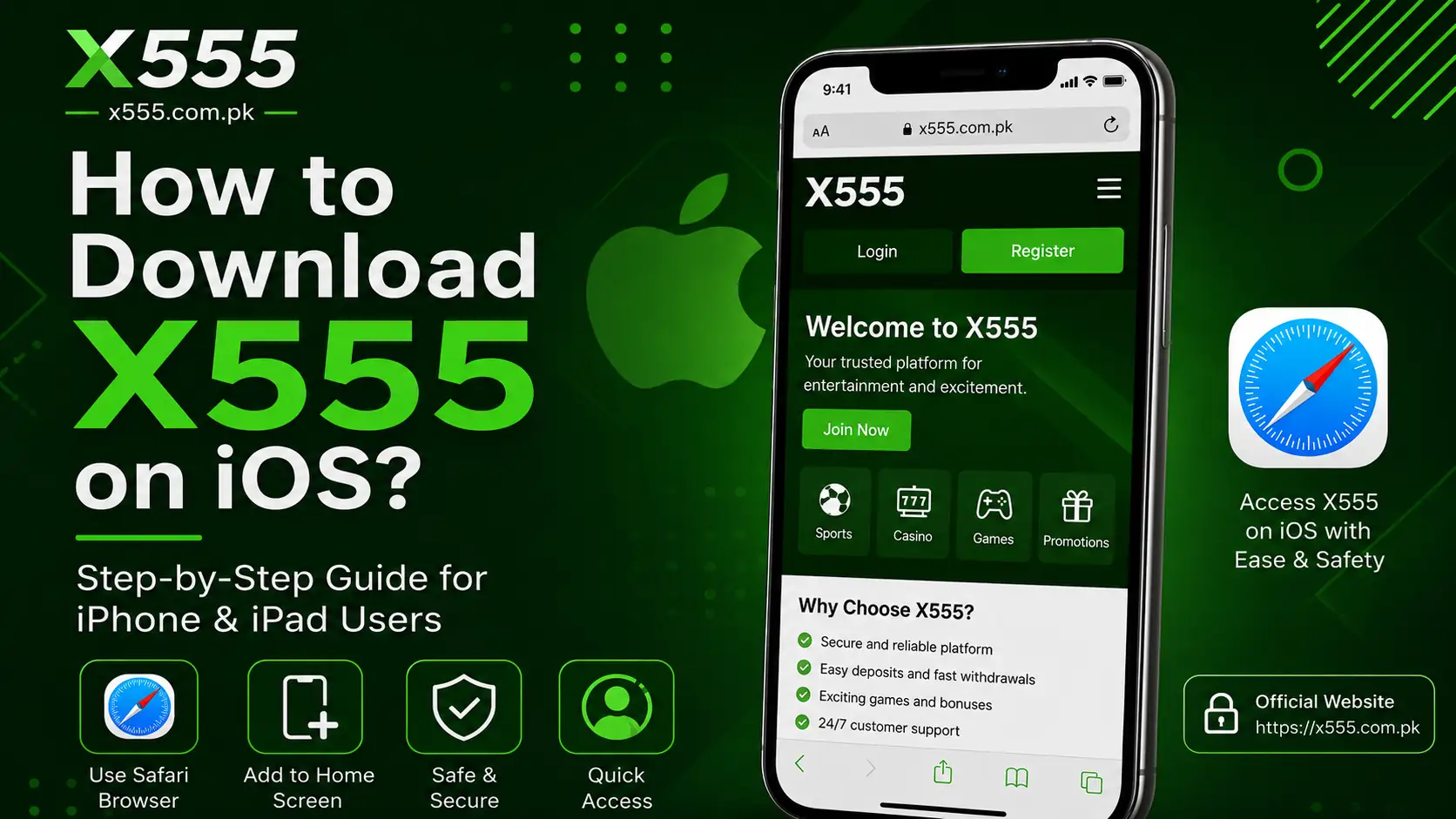
X555 on iOS is typically accessed through Safari instead of a downloadable APK because APK files are designed only for Android devices. iPhone and iPad users can open the official website directly in their browser and use its web interface without installing Android packages.
Before you begin, make sure your Apple device has a stable internet connection and the latest version of Safari installed. Using the official website also helps reduce the risk of visiting unofficial or misleading pages.
Steps to Open X555 on iOS
Follow these simple steps to access X555 Game on your Apple device:
- Open the Safari browser on your iPhone or iPad.
- Visit the official X555 website.
- Find the Login or Register option.
- Create an account if you are a new user.
- Enter your registered mobile number or email address.
- Type your password and log in to your account.
- Complete OTP verification if required.
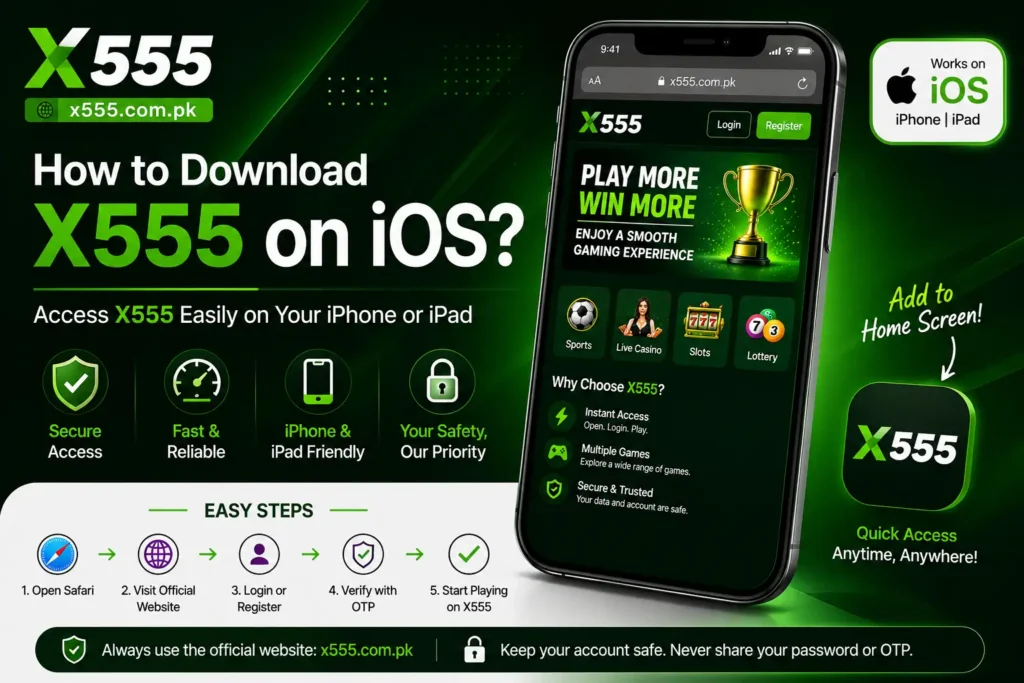
After logging in, you can explore the available platform sections directly through Safari. Keep your browser updated so the website loads smoothly and important security features work properly.
Add X555 to Your Home Screen
Using X555 on iOS through a home screen shortcut provides faster access without searching for the website each time. The shortcut behaves like a web app and opens directly in Safari.
Add the Shortcut on iPhone
- Open the official X555 website in Safari.
- Tap the Share icon at the bottom of the screen.
- Scroll down and select Add to Home Screen.
- Edit the shortcut name if needed.
- Tap Add to place the icon on your home screen.
Once added, you can open X 555 directly by tapping the new icon instead of typing the website address every time.
Important Safety Tips for iOS Users
Always access X555 through the official website and avoid downloading unknown files from social media groups or unofficial websites. Never share your password, OTP, or account recovery code with another person. If the page does not load properly, refresh Safari, clear browser data, or check your internet connection.
Using the official browser version is a simple way for iPhone and iPad users to access their account securely and conveniently.
Frequently Asked Questions
Can I download X555 APK on iPhone?
No. APK files are made for Android devices and cannot be installed on iPhones or iPads. iOS users should access X555 Game through Safari.
Do I need to install an app to use X555 on iOS?
Usually, you can open the official X555 website in Safari and use the browser version without installing a separate app.
How can I add X 555 Game to my iPhone home screen?
Open the official website in Safari, tap the Share icon, select Add to Home Screen, and tap Add.
Why is X555 not opening on my iPhone?
Check your internet connection, refresh Safari, and make sure your browser is updated. You can also clear Safari history and website data if the issue continues.
Is X555 on iOS safe to use through Safari?
For better security, always use the official website and avoid sharing your password, OTP, or account recovery details with anyone.